⚡
Results as you draw
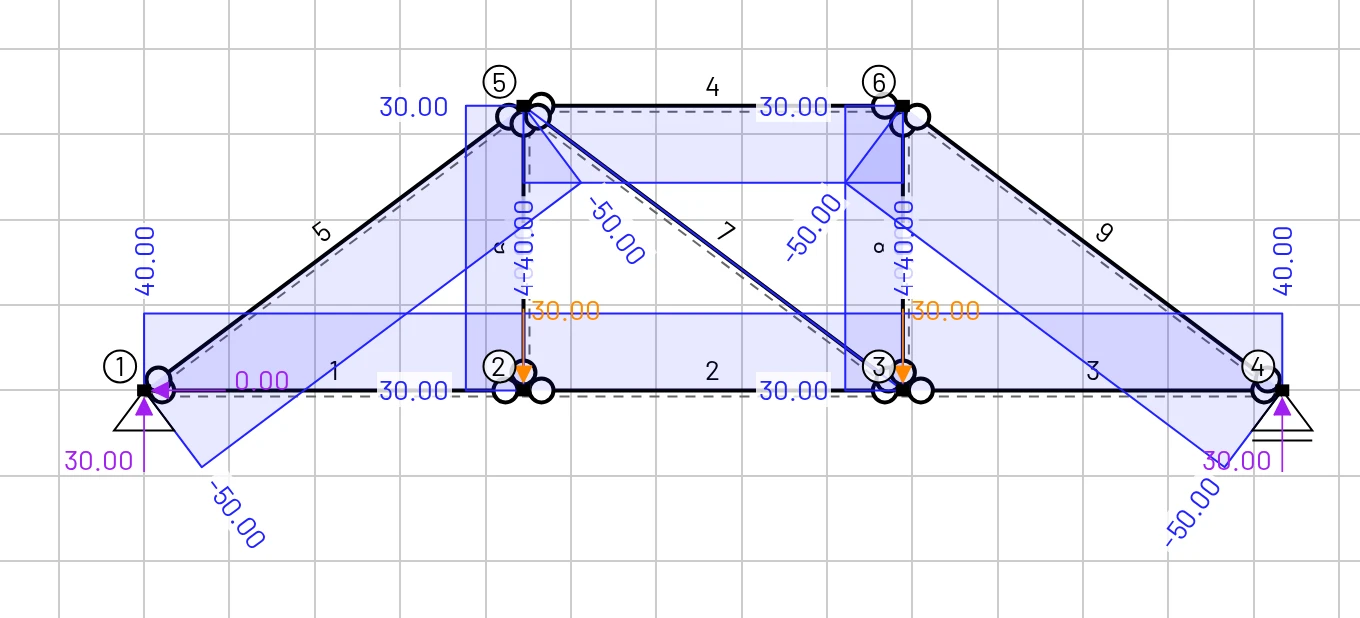
There is no Solve button. Drag a node, tick a hinge or change a load, and N, V, M, reactions and the deformed shape follow at once.
Reading results
Draw a beam, frame or truss, add loads, and watch the diagrams update as you edit. Full FEM results in your browser, with no install, no account and no fees.

There is no Solve button. Drag a node, tick a hinge or change a load, and N, V, M, reactions and the deformed shape follow at once.
Reading results
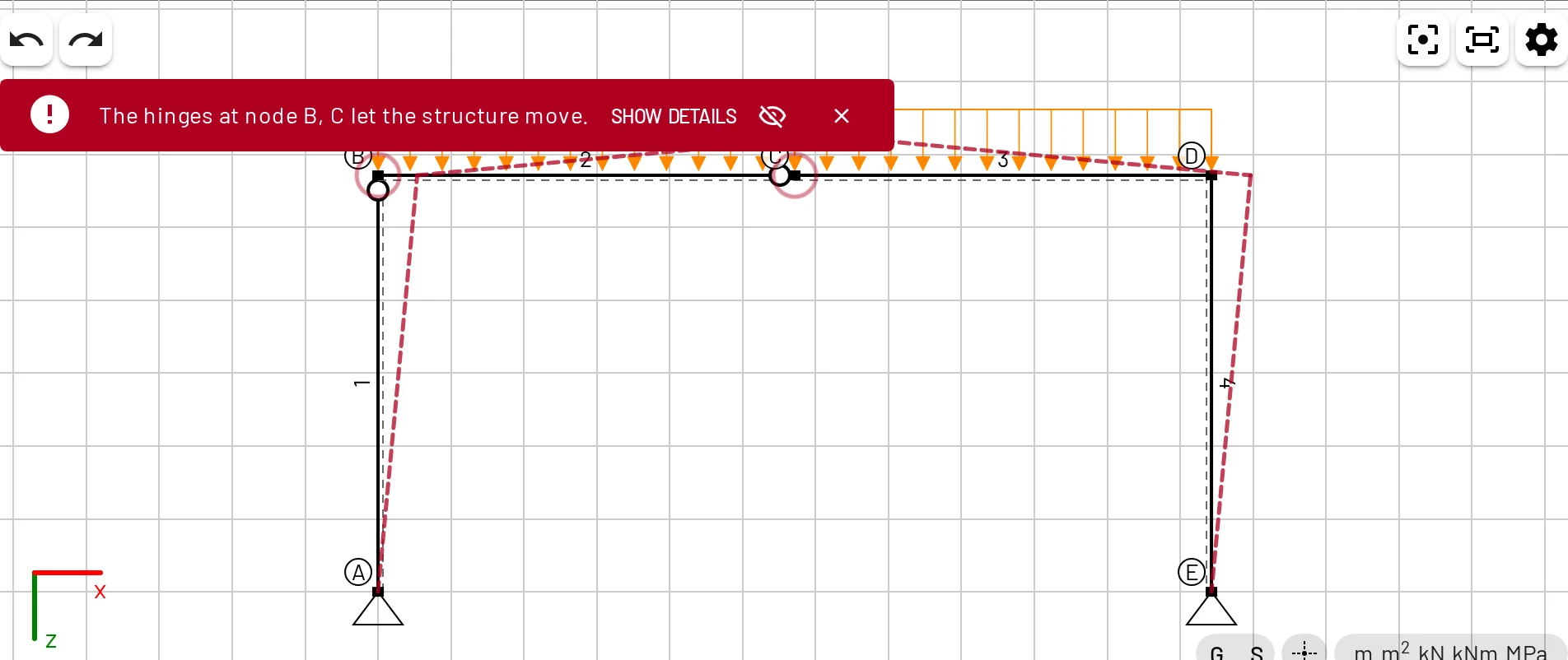
Guided first steps, hover values, a solver that explains why a structure is a mechanism, and share links you can put in lecture notes.
Teaching with EduBeam
18 interface languages, SI or US customary units, and a choice of z-down or textbook y-up axes.
Units & settings
Send a whole model as a link, save it as a file, export the drawing as PNG or SVG and the result tables as CSV.
Files & sharing
New to EduBeam? Follow the 10-minute Quick start. You model a simply supported beam step by step and check every result by hand.
Know what you want to build? Jump to a tutorial or open a ready-made example and change it.
Teaching a course? See Teaching with EduBeam: share links for assignments, an embeddable viewer for slides, and exercises.
Find out more in the Introduction.